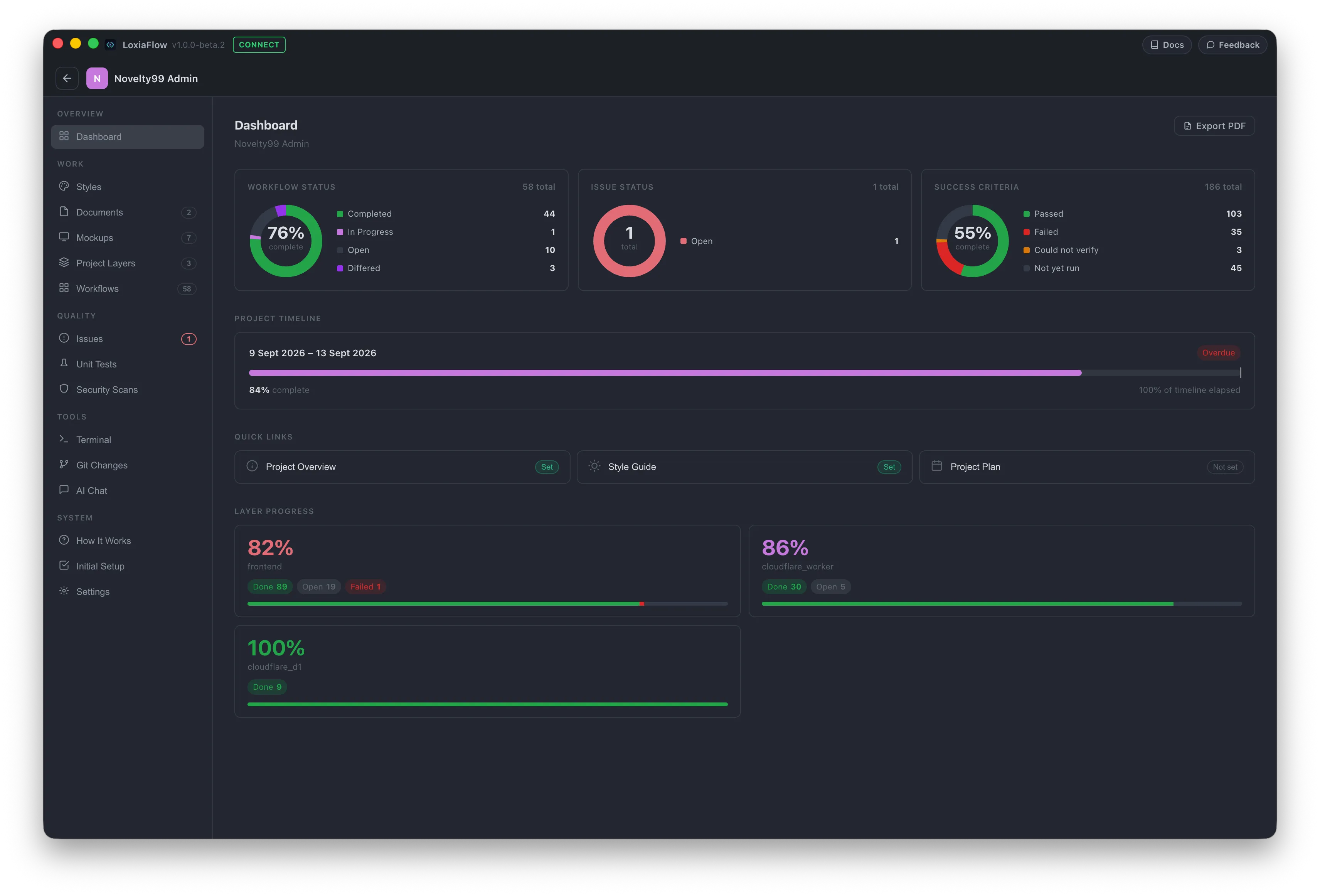
LoxiaFlow is a local-first Electron desktop app covering the software development lifecycle from planning through testing and security. Every page below documents the exact fields, buttons, and AI behaviors you'll see in the app — not just a feature summary.
Everything runs on your machine — projects, documents, mockups, and workflows are stored locally, and there's no server or account required to use the app.
Installation →
Download and run the installer for your platform.
First Run →
What happens the first time you launch the app.
Core Concepts →
How a feature gets built end to end, from Style Guide and Project Overview to a testable feature.
AI Console →
Project-aware chat: the model writes SQL, LoxiaFlow runs it locally, only results go back.
Where to start
- New to LoxiaFlow? Read Core Concepts first — Layers and Workflows are referenced by almost every other page.
- Setting up a project? Go Project Layers → Documents → Mockups → Generate Workflows in that order.
- Already have a codebase? Jump straight to Git Changes, Test Generator, or Issues.
- Want to chat with your project? The AI Console lets the model query your project data on-device via generated SQL — nothing leaves your machine.