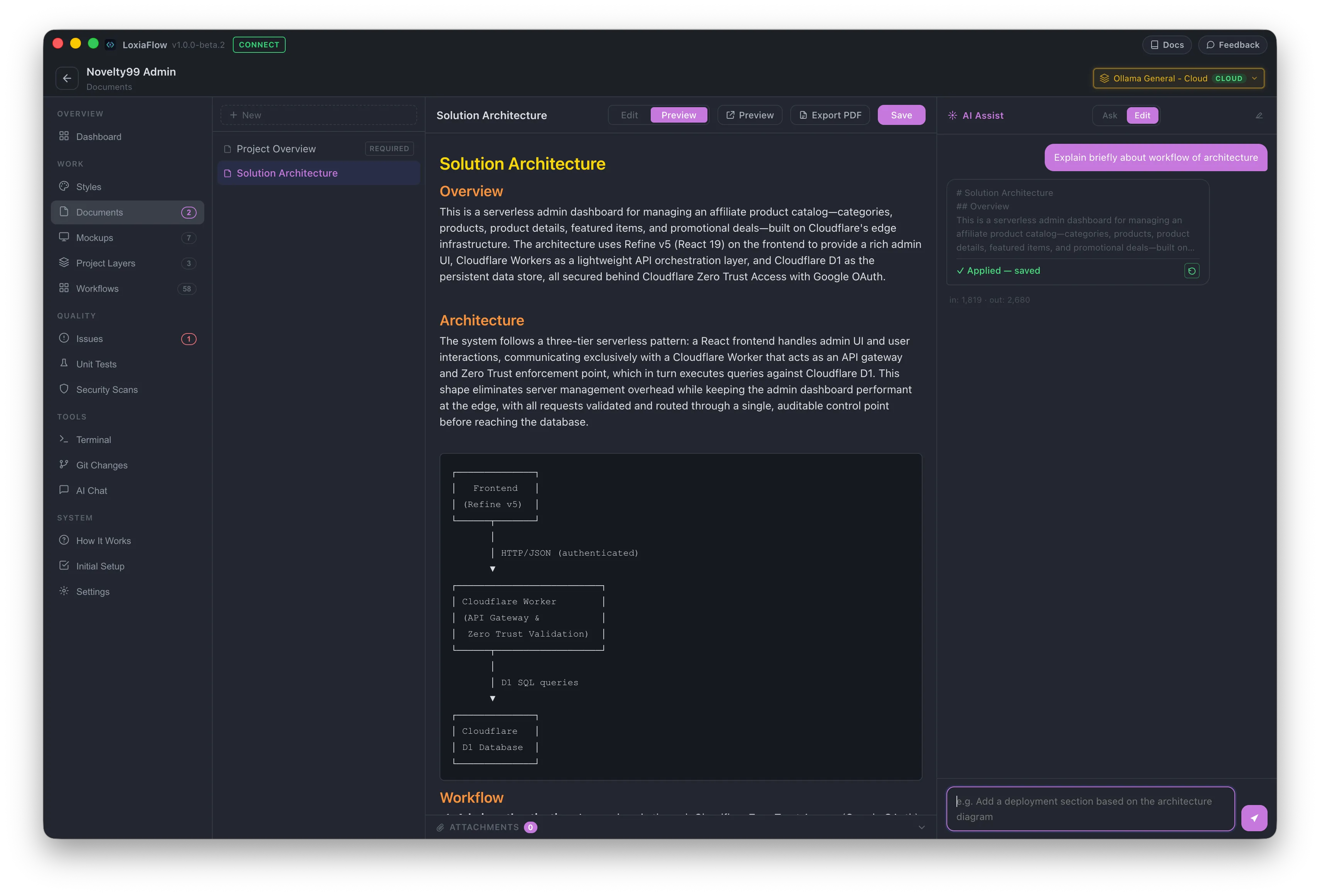
A full-featured Markdown editor for the specs a project runs on — PRDs, architecture decisions, user stories, and API definitions — with AI editing and diagram support built in, feeding directly into Workflows and Smart Context.
Documents store product requirement specs (PRDs), architecture decisions, user stories, and API definitions per project. They can be created from scratch or generated using built-in templates.
Built-in Templates
When creating a new document, choose from the built-in templates — Empty Document, Project Overview, and Solution Architecture — or add your own custom templates from Settings → Document Templates.
AI Document Assist
Use the inline AI Assist panel to expand outlines, draft technical specifications, or edit sections using natural language prompts.
Integration with Workflows & Context
Project Documents feed directly into Smart Context and Workflows, allowing models to read specifications when planning and generating implementation code.